
One custom GIS platform for live maps, tracks, layers, analysis, and replay.
PrithviGIS brings QGIS, Qt, PostGIS, CesiumJS, and real-time feeds into a focused operational platform for teams that need more than a generic map viewer.
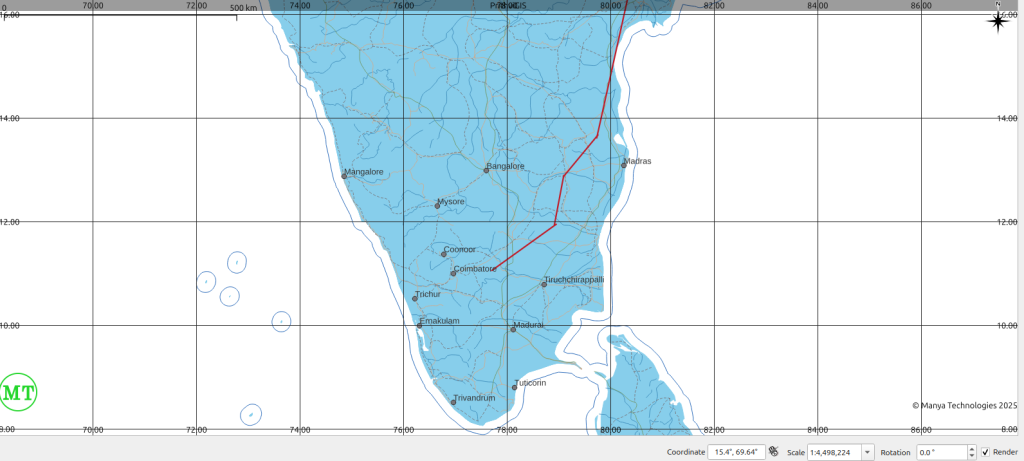
PrithviGIS is backed by recognized open-source GIS expertise.
Manya Technologies appears in the official QGIS commercial support provider list and has an official OSGeo service-provider profile, with a public OSGeo wiki page covering QGIS API, plugin development, Qt/C++, PostGIS, and mission-critical geospatial systems.
Built for operational GIS workflows where data keeps moving.
PrithviGIS is designed for map-centric teams that need live object display, spatial data management, measurements, annotations, symbology, replay, and deployment control in one system.
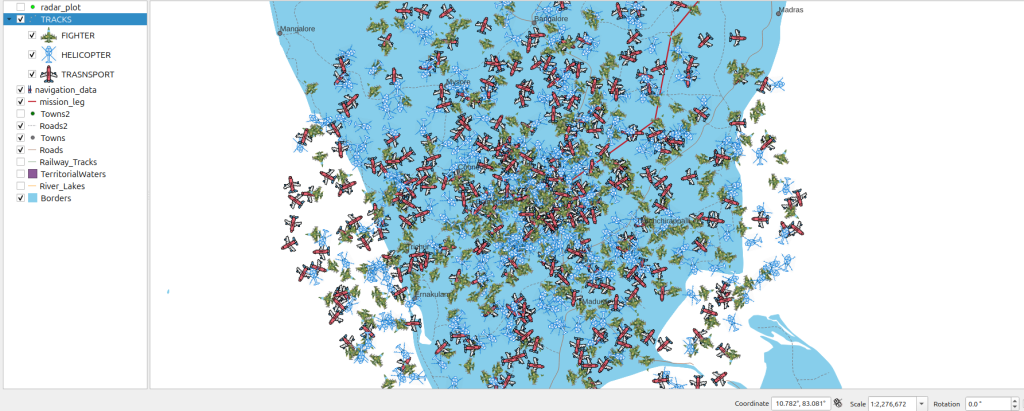
Live target display: show aircraft, vehicles, sensors, or simulated tracks with metadata and filtering.
Layer operations: combine vector layers, raster data, terrain context, operational overlays, and custom symbology.
Controlled deployment: support desktop, offline, LAN, database-backed, or restricted-network workflows.
More complete PrithviGIS capabilities in one place.
Vector and raster layers
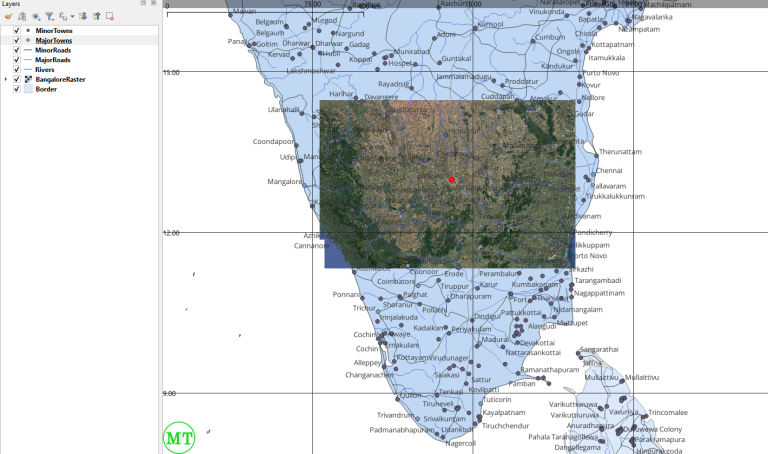
Load, style, filter, inspect, and manage spatial layers for operational map workflows.
Custom symbology
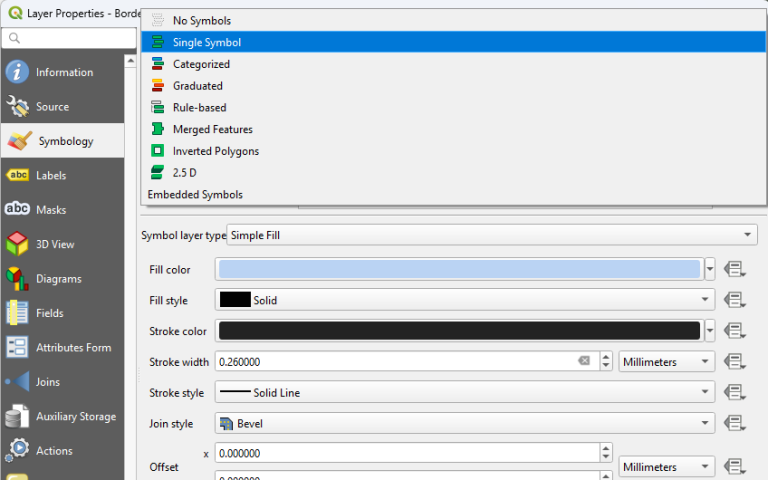
Use domain-specific symbols, colors, labels, and display rules for faster interpretation.
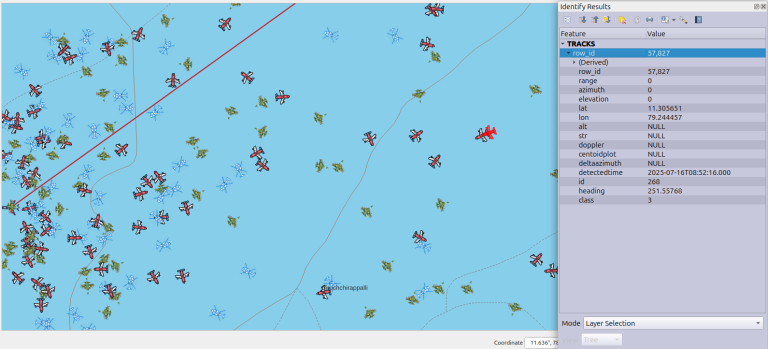
Target information
Review object metadata, track state, timestamps, identifiers, and related operational attributes.
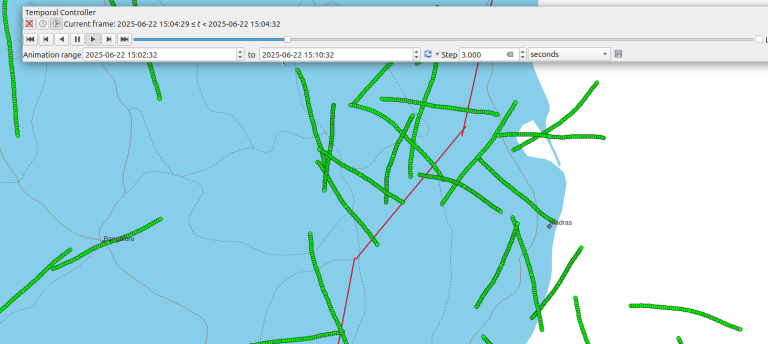
Playback and replay
Replay historic movement and scenario data for analysis, training, validation, and demonstrations.
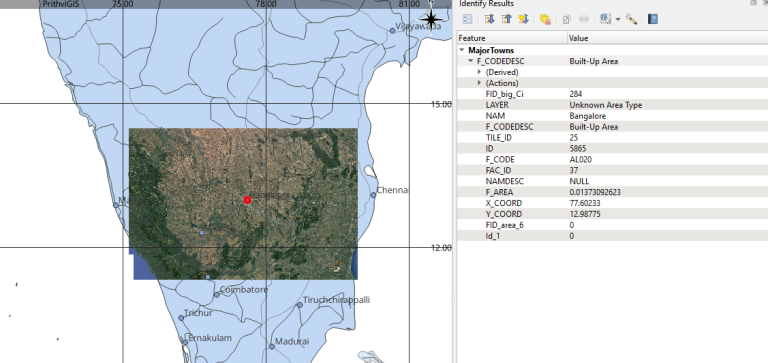
Identify features
Click map features and retrieve structured attributes from layers, databases, or feeds.
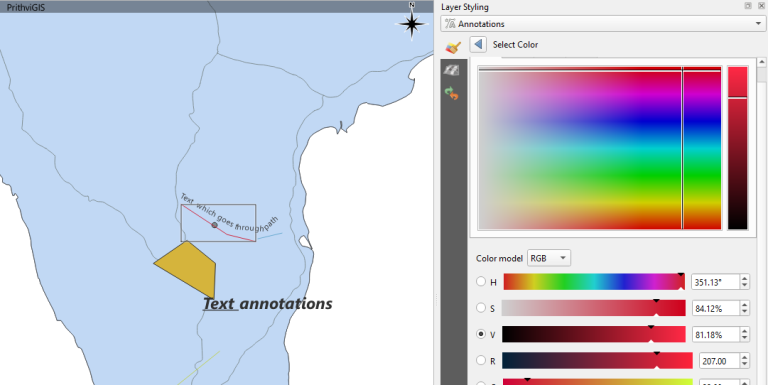
Annotations and markup
Add map notes, operational marks, planning references, and review annotations.
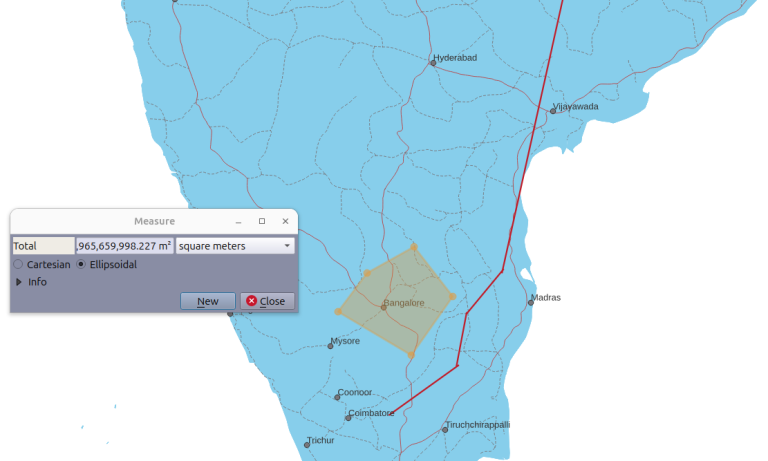
Measurement tools
Measure distance, area, geometry, and spatial relationships inside the operational map.
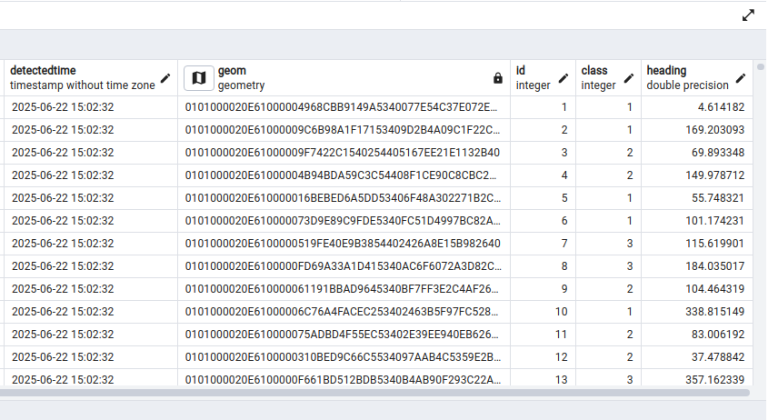
PostGIS integration
Use PostgreSQL/PostGIS for spatial storage, indexing, synchronization, queries, and reporting.
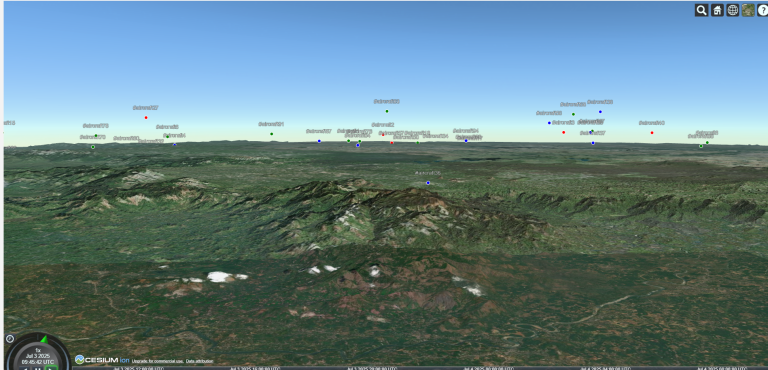
2D and 3D visualization
Connect 2D map operations with CesiumJS-style 3D terrain, tracks, and spatial context.
A modular stack that can fit your environment.
Desktop GIS layer
Qt and QGIS-based tools for controlled desktop workflows, custom panels, map tools, and operator screens.
Spatial data layer
PostGIS-backed storage for layers, tracks, events, assets, indexing, import/export, and query workflows.
Live integration layer
TCP, UDP, WebSocket, files, APIs, databases, or simulators for real-time and replay data sources.
3D visualization layer
CesiumJS-based views for terrain, point clouds, paths, moving tracks, and high-level mission context.
Deployment layer
Support local machines, LAN environments, offline systems, restricted networks, and staged upgrades.
Workflow layer
Build role-specific tools for operators, reviewers, analysts, integrators, and administrators.
Where PrithviGIS fits naturally.
Mission and track displays
Display live or simulated movement over operational map layers with metadata, replay, and filtering.
Infrastructure and assets
Map assets, inspection data, survey outputs, boundaries, terrain context, and field observations.
Simulation and integration
Connect simulators, feeds, scenario tools, and test systems to a geospatial display layer.
Want PrithviGIS adapted to your workflow?
Share your layers, data feeds, deployment constraints, and operational needs. We will shape the right demo path.